Display Zoom
Settings → Display & Brightness → Display Zoom → Larger Text
Enlarges everything on the screen, the keyboard included, by one small step. Apps show less on each screen.
Keys: slightly largeriOS has no setting that makes the keys larger. Here is what each setting really does to the keyboard, and what to do when it isn't enough.
See a keyboard with big keys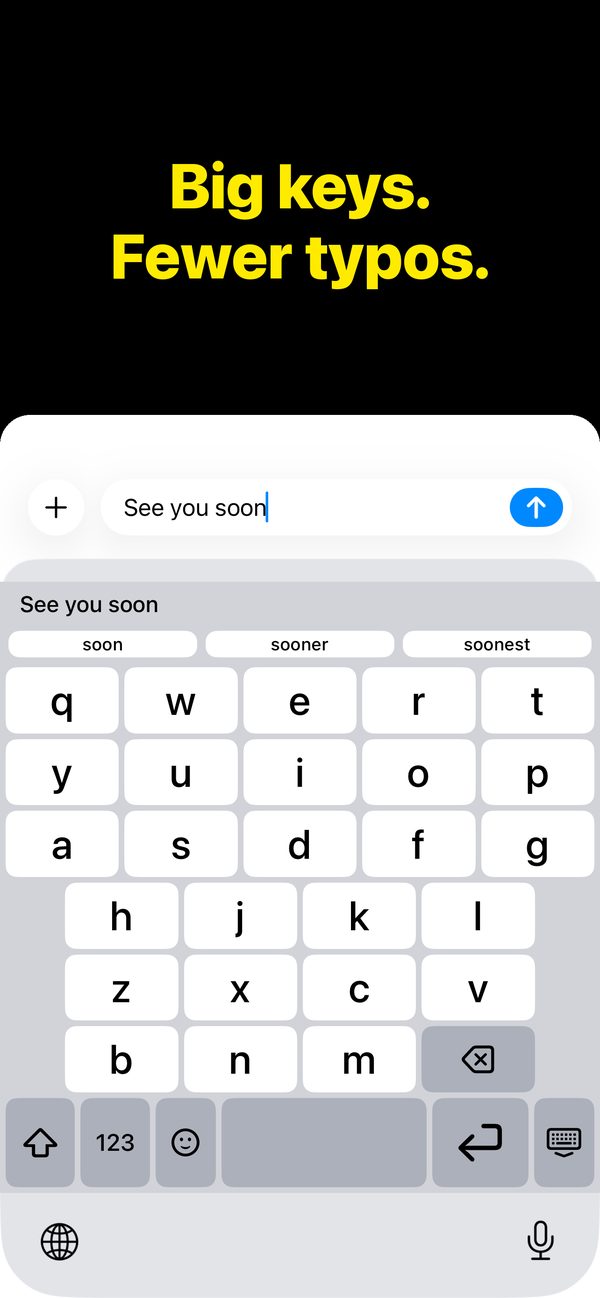
The short answer: the iPhone's own settings make the keyboard slightly larger at most. For keys that are really bigger, you need a different keyboard, such as BigKeys below.
Each setting, where to find it, and what it changes on the keyboard.
Enlarges everything on the screen, the keyboard included, by one small step. Apps show less on each screen.
Keys: slightly largerThe keyboard stretches across the long side, so each key is wider. It also covers most of the screen.
Keys: wider, not tallerThe letters on the keys get thicker and easier to read.
Keys: same sizeMakes text inside apps larger. The keyboard doesn't change.
Keys: same sizeMagnifies part of the screen. You can type zoomed in, but you move the window around to reach the keys.
Keys: larger, but not all at once| Option | Key size | Catch |
|---|---|---|
| Display Zoom | Slightly larger | Everything else gets larger too |
| Landscape | Wider | Keyboard covers most of the screen |
| Bold Text | Same | Only the letters change |
| Larger Text | Same | Doesn't touch the keyboard |
| Zoom | Larger, in part | Can't see the whole keyboard |
| BigKeys | Up to 3× Apple's | 5.99 USD, once |
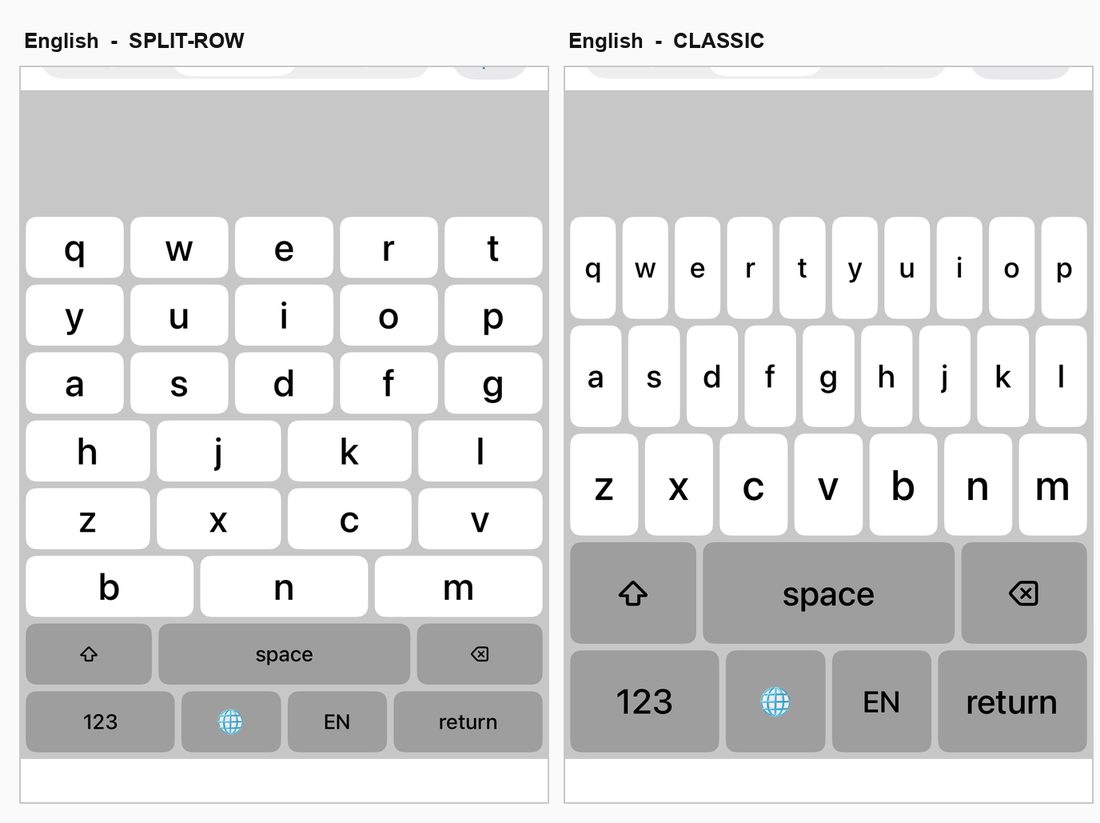
BigKeys is a keyboard for people with low vision, shaky hands or large fingers. It replaces the iPhone keyboard in every app: Messages, Mail, WhatsApp, anywhere you type.
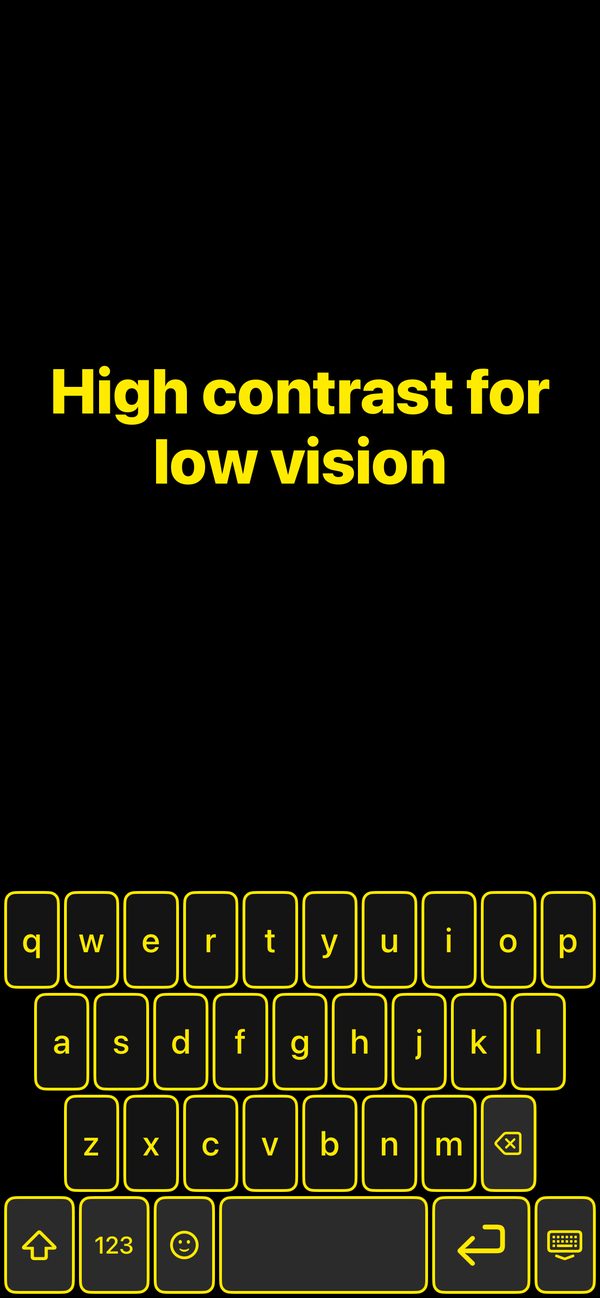
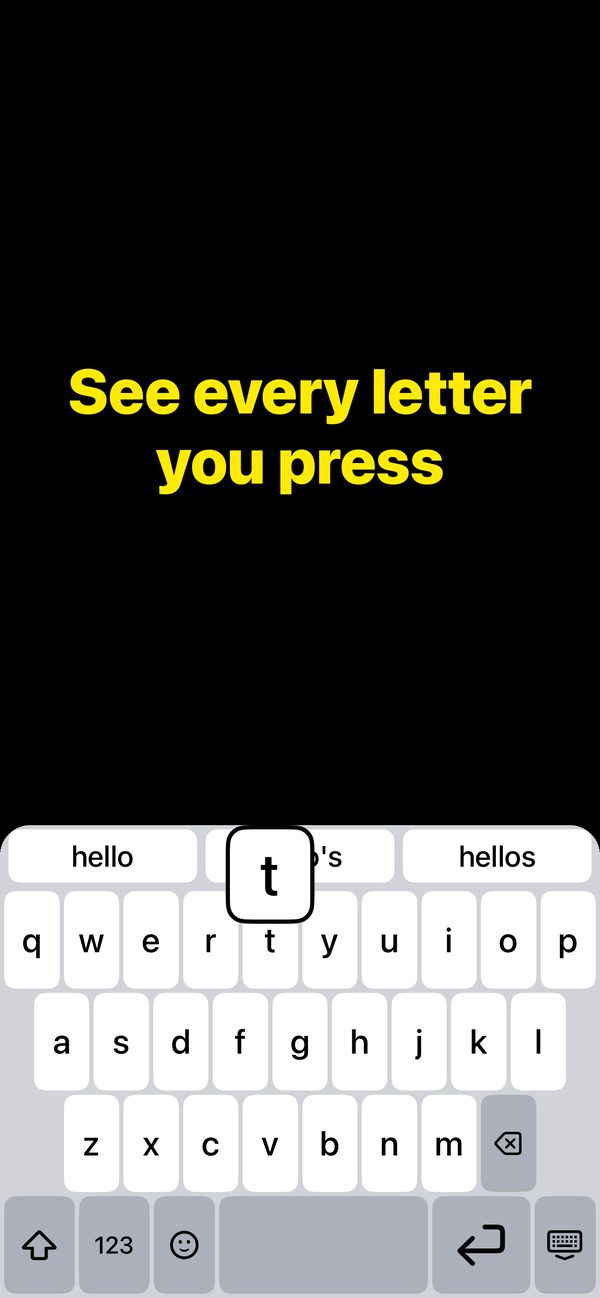
One price, 5.99 USD. No subscription, no ads.